01
HUD layout
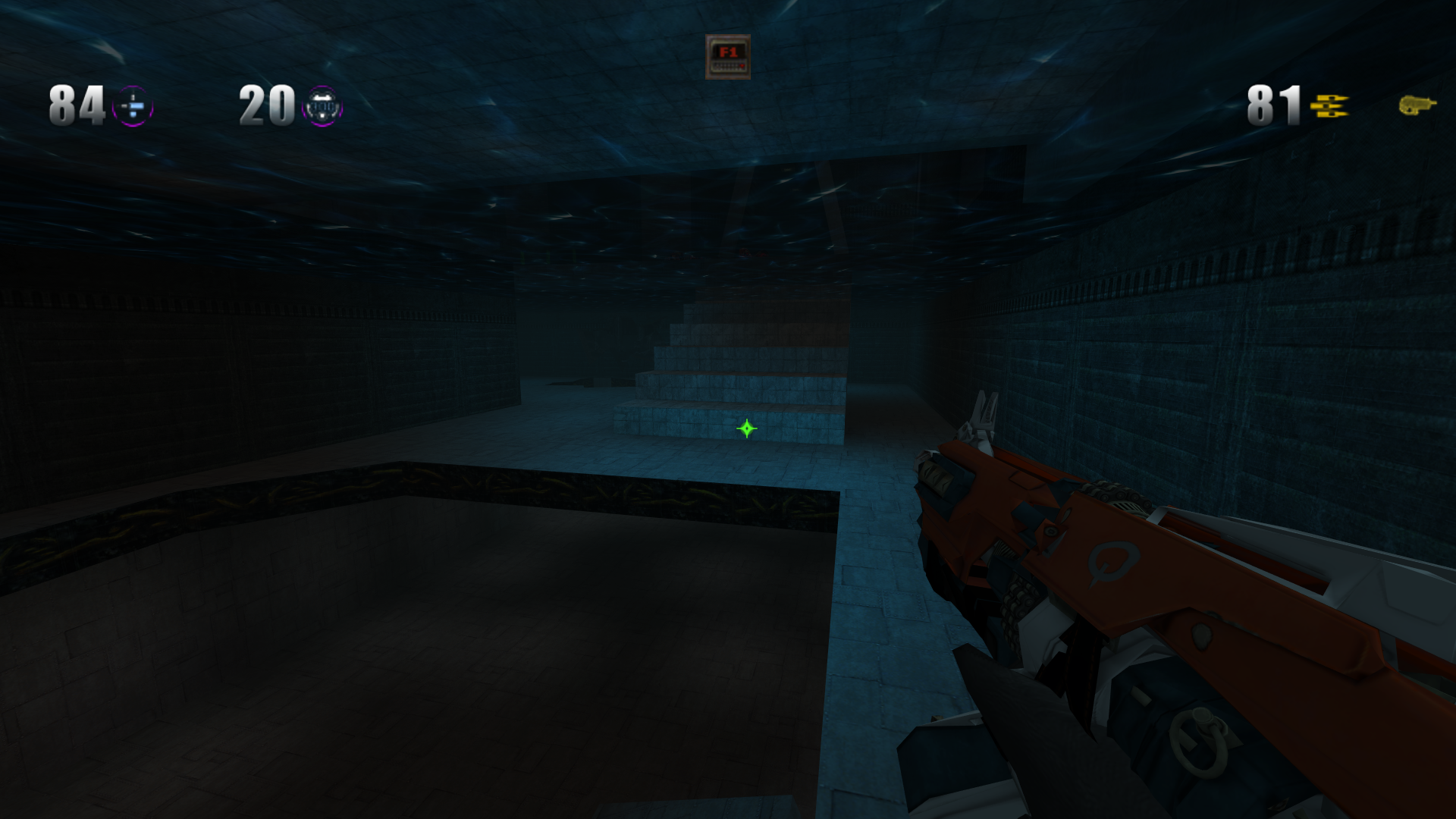
Move the stock status bar to the top, spread it across a widescreen display, or keep the classic layout. Adjust its scale without resizing the menus.
Stock status bar only. Server and mod HUDs keep their own layouts.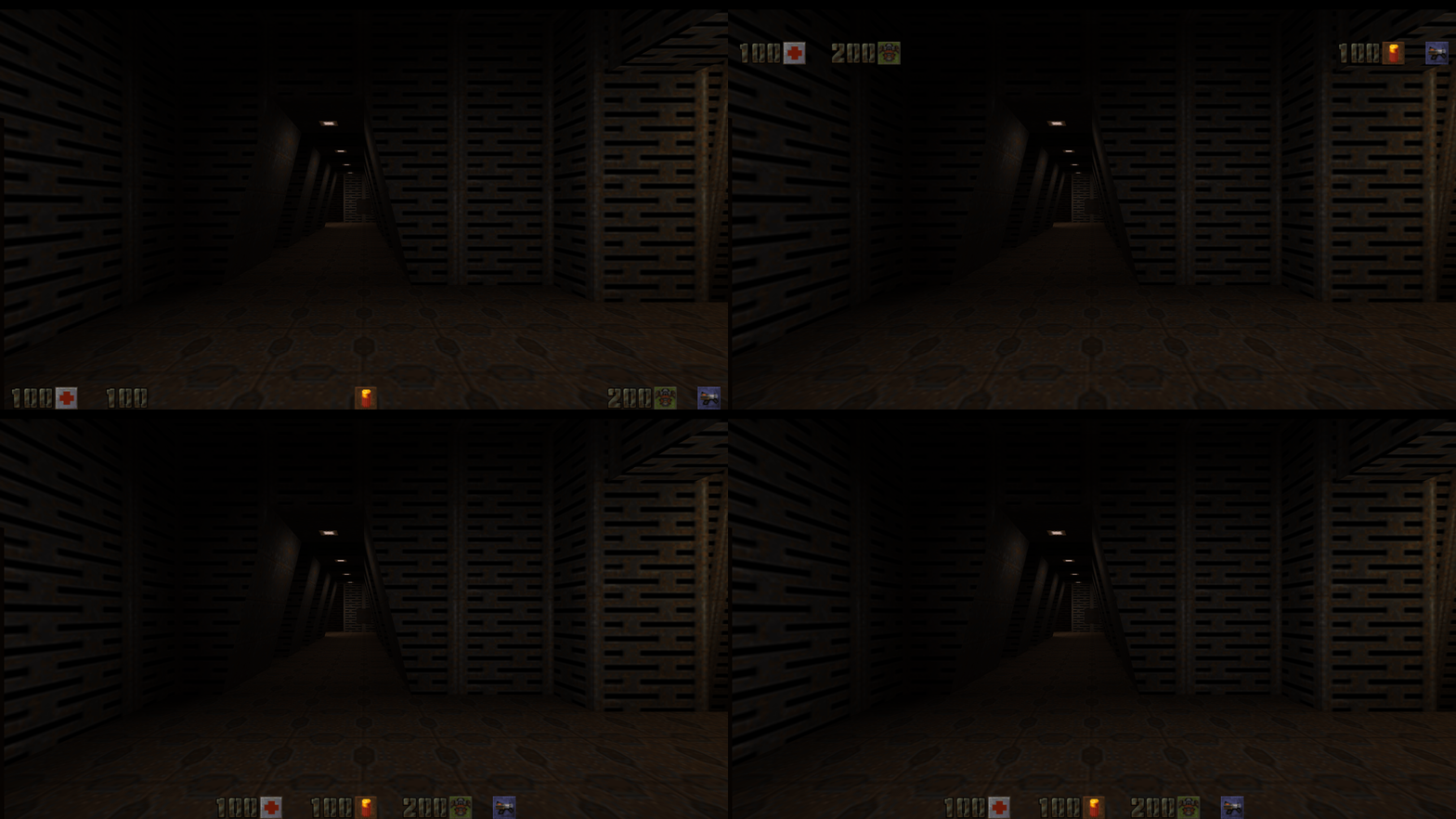
 R1Q2v2
QUAKE II CLIENT / WINDOWS
A Quake II client for Windows, based on r1ch’s R1Q2 and maintained by h0s3r. Display, HUD, audio, multiplayer, and configuration options alongside classic gameplay.
02 / FEATURES
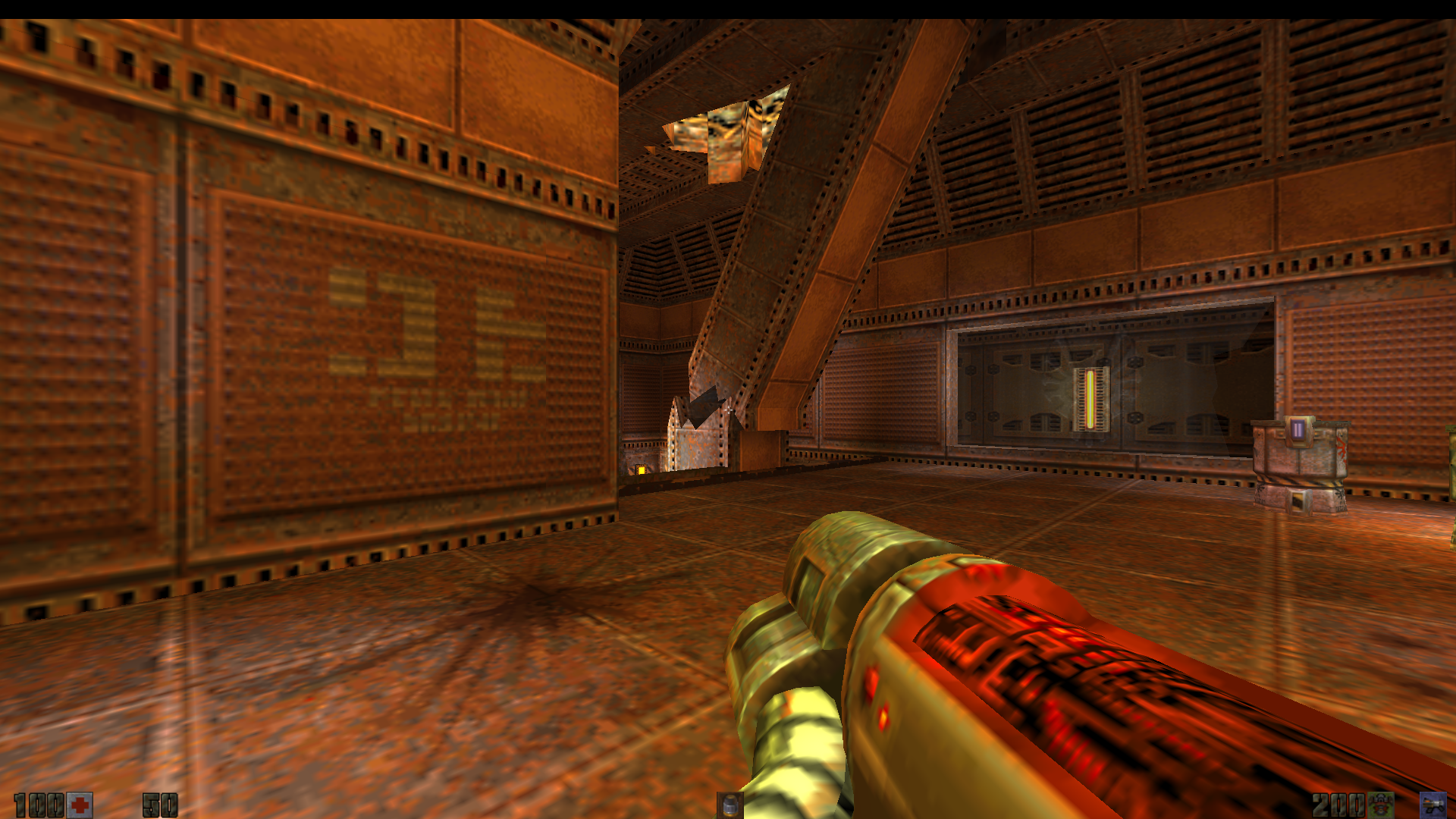
Display, HUD, crosshair, audio, server browsing, and demo options. The HUD GIF uses the original Quake II textures.
Move the stock status bar to the top, spread it across a widescreen display, or keep the classic layout. Adjust its scale without resizing the menus.
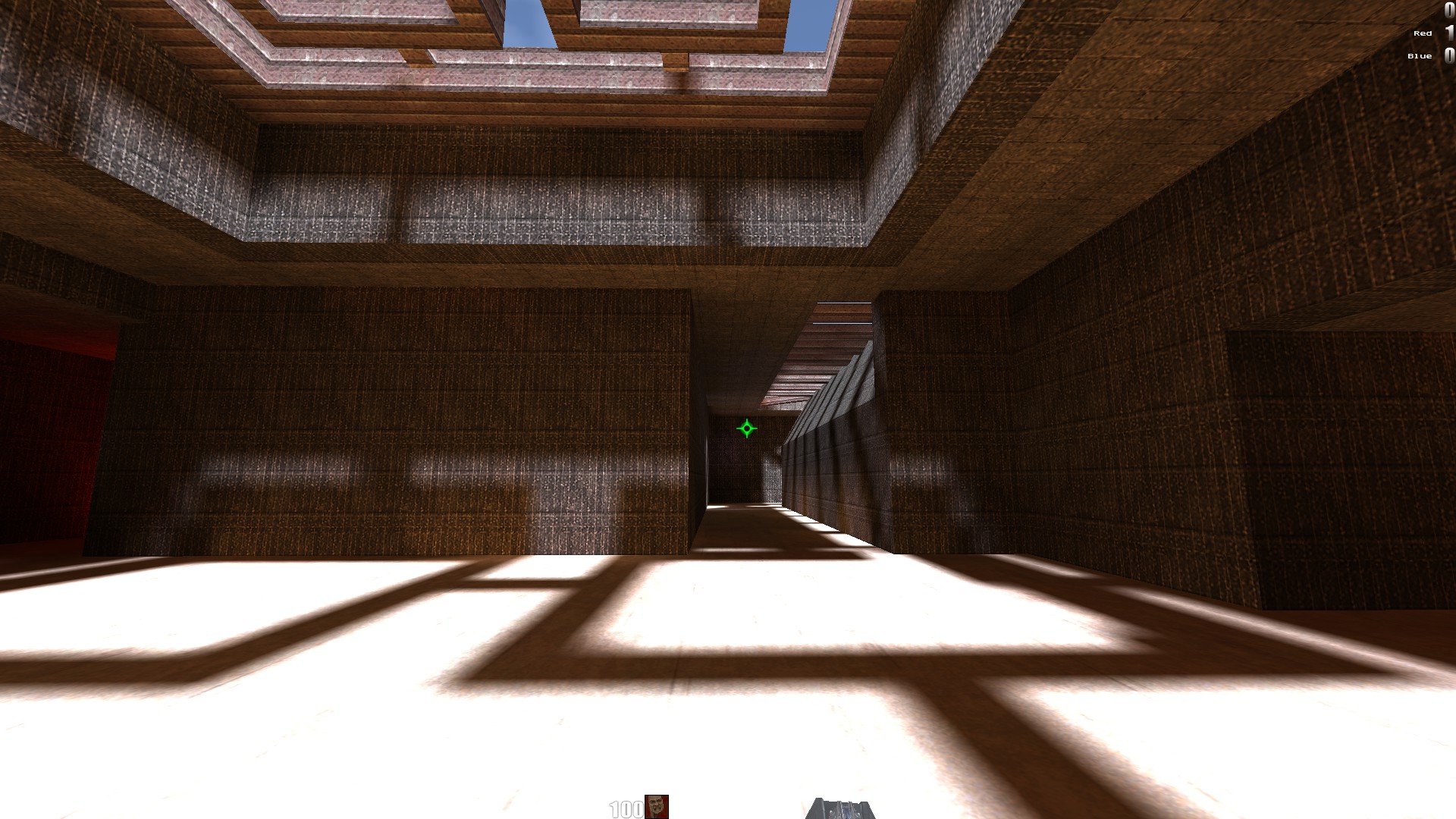
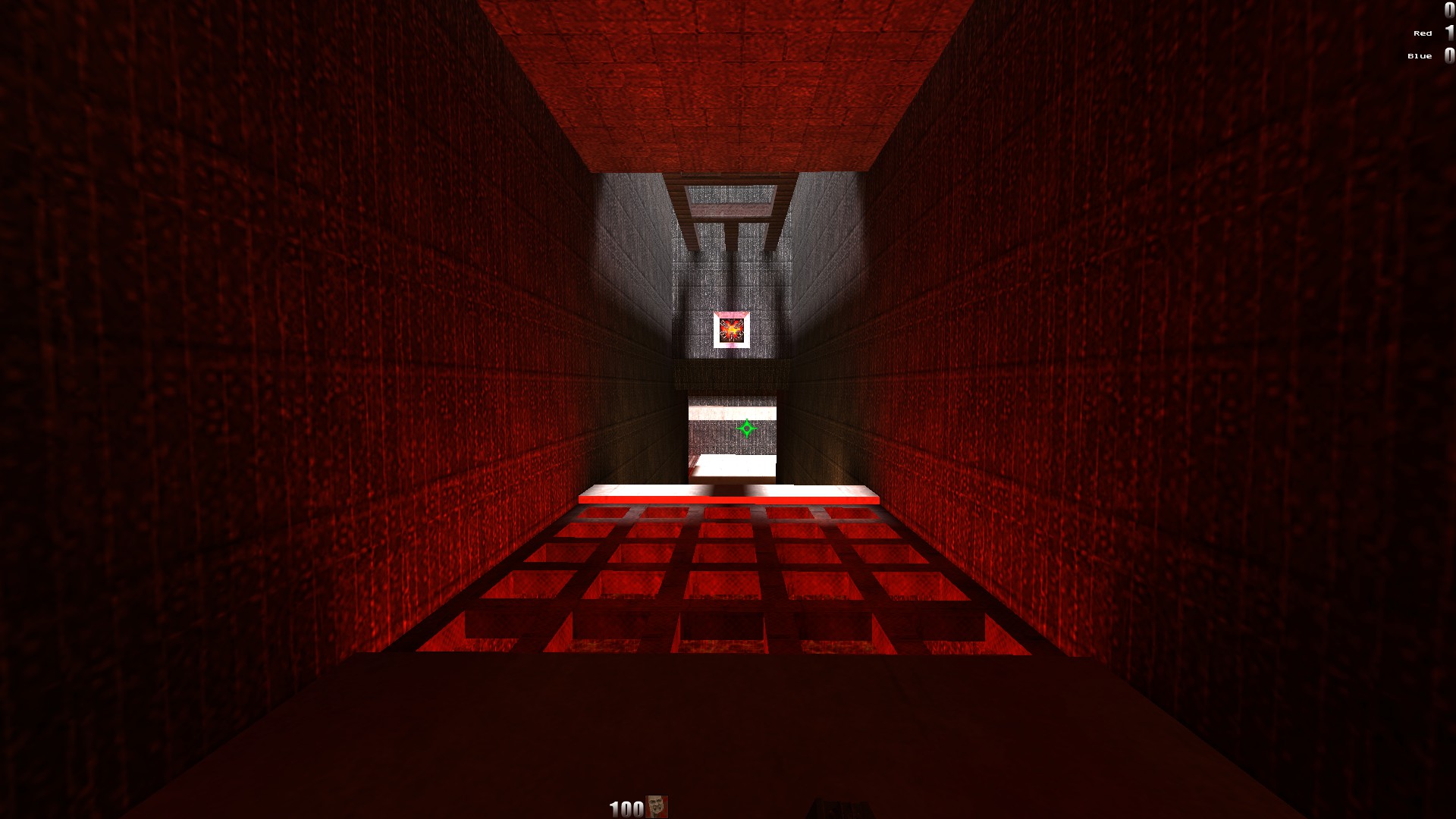
Stock status bar only. Server and mod HUDs keep their own layouts.Reduce the yellow cast of baked lighting. Switch between the softened look and classic lighting in real time, without reloading the map.
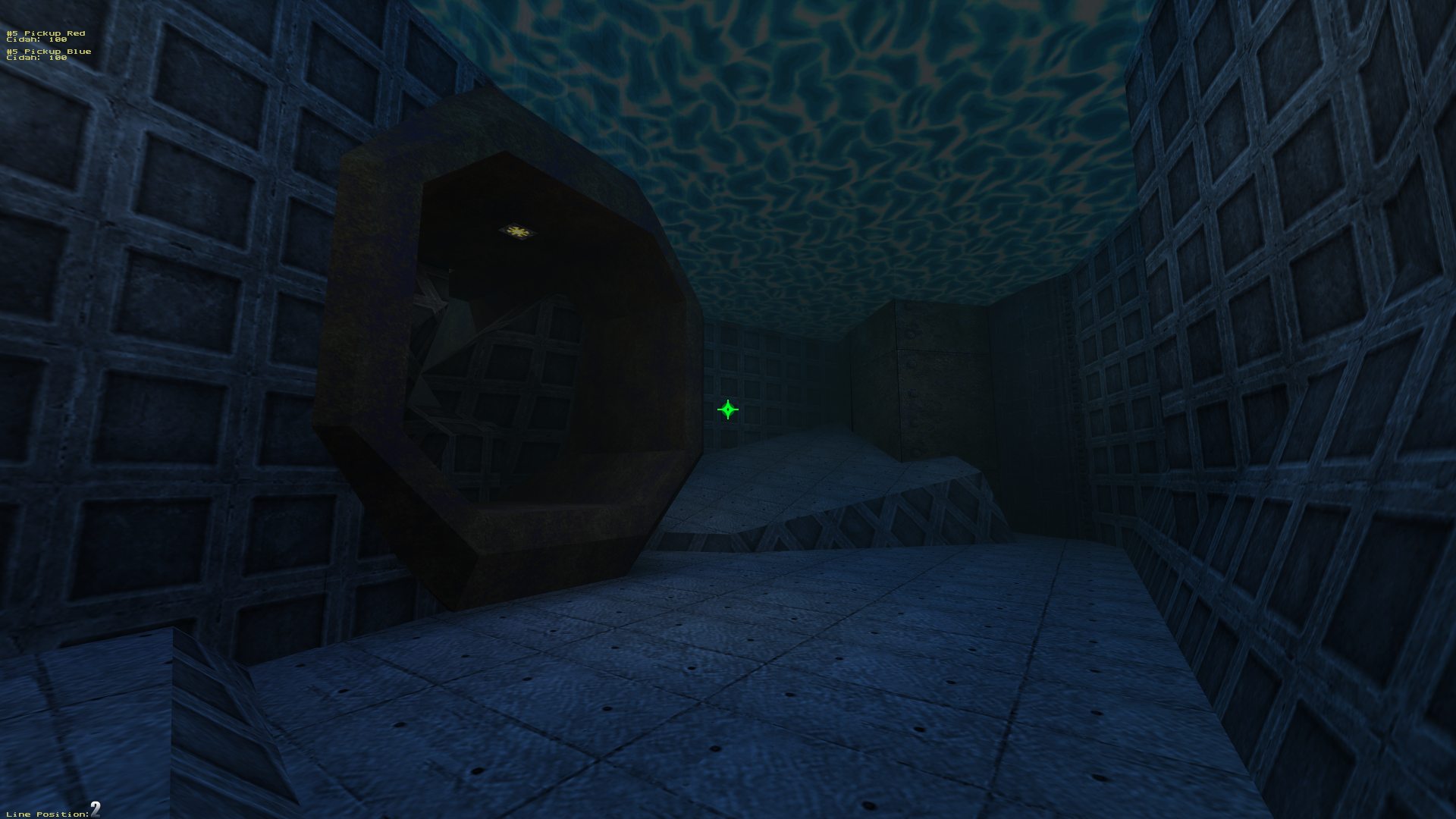
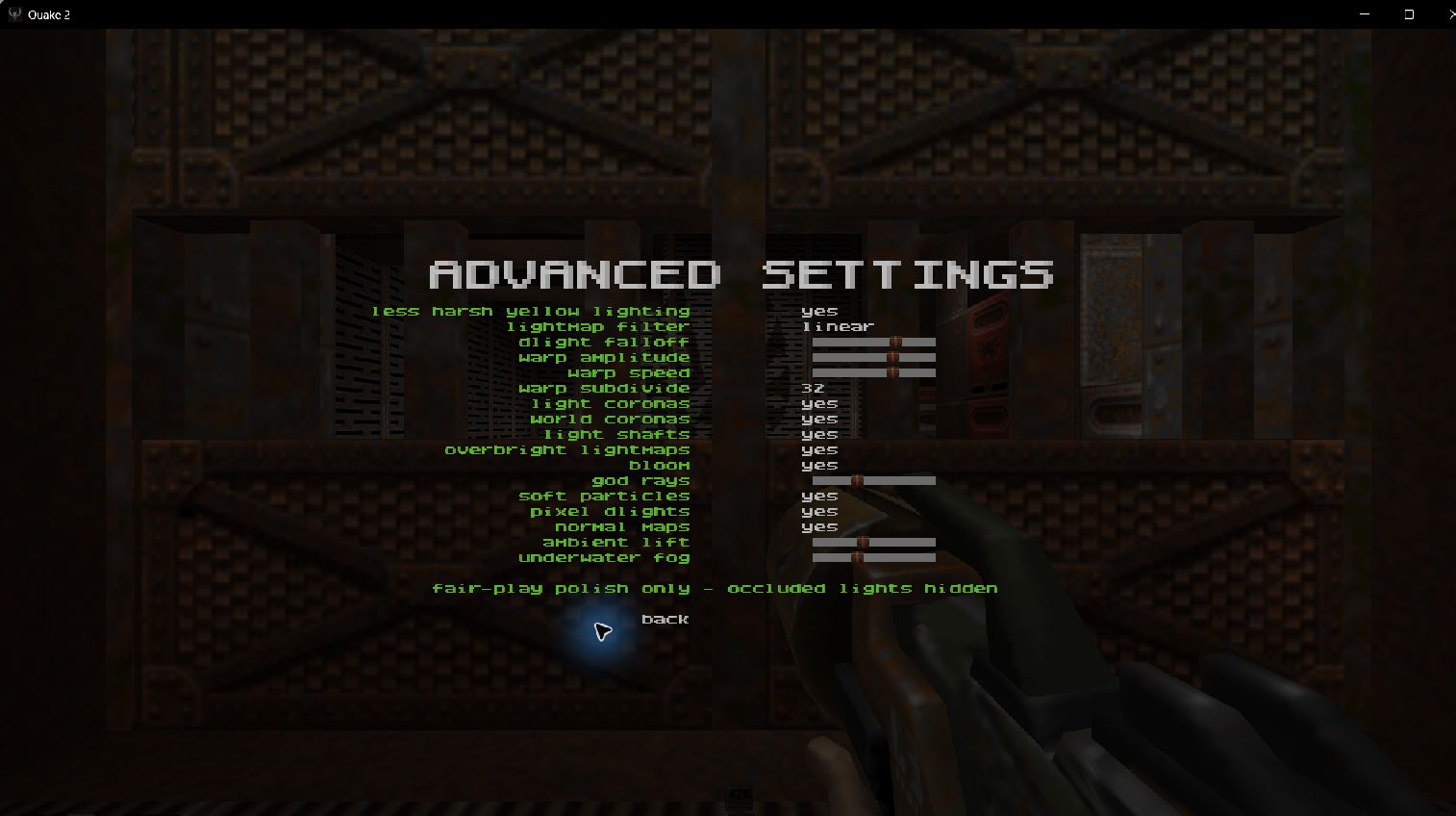
Original textures stay intact. Colored accent lights keep their character.Distance fog inside water, slime, or lava uses the liquid's view tint. Adjust its strength in Advanced Settings.
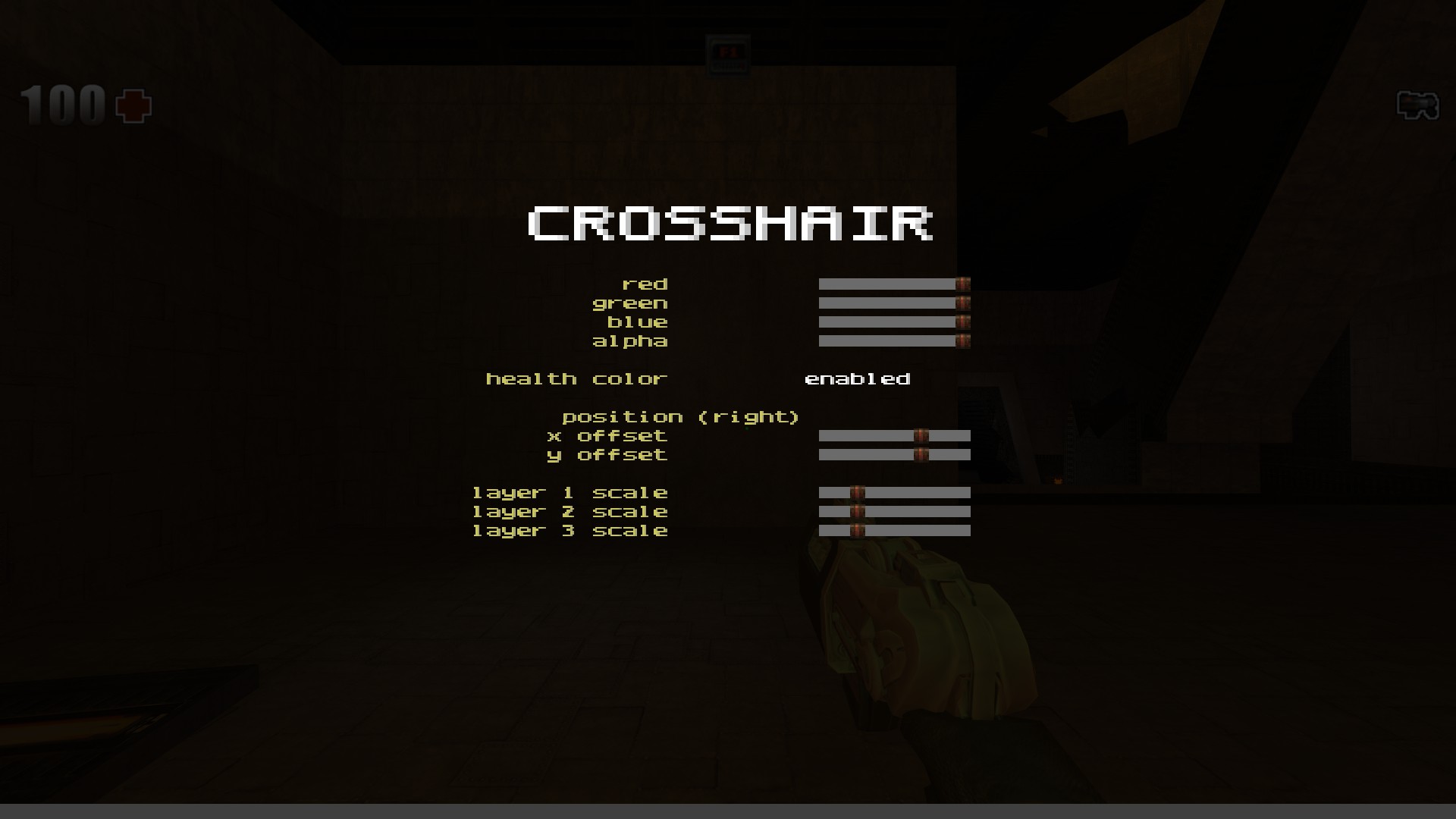
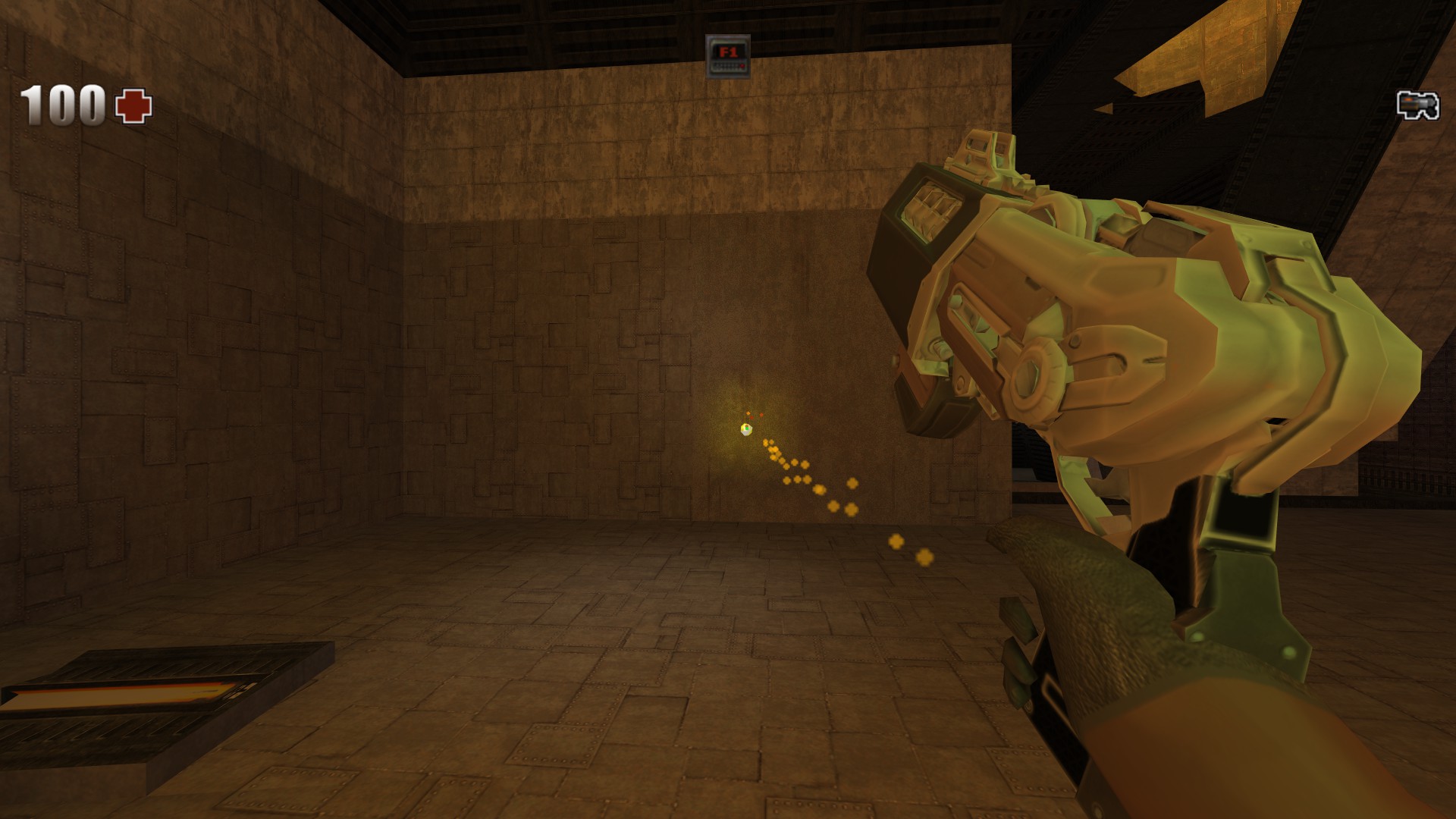
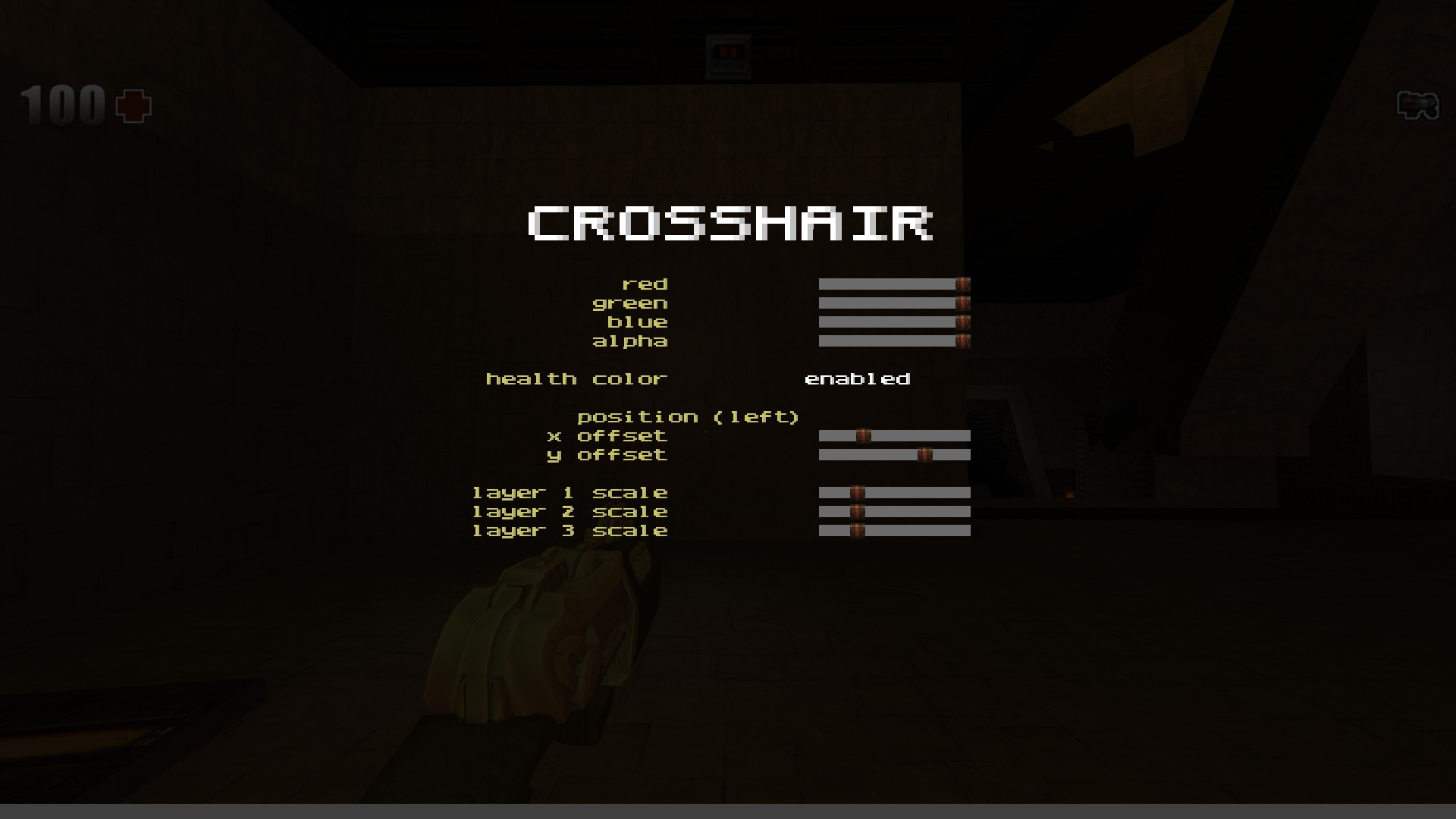
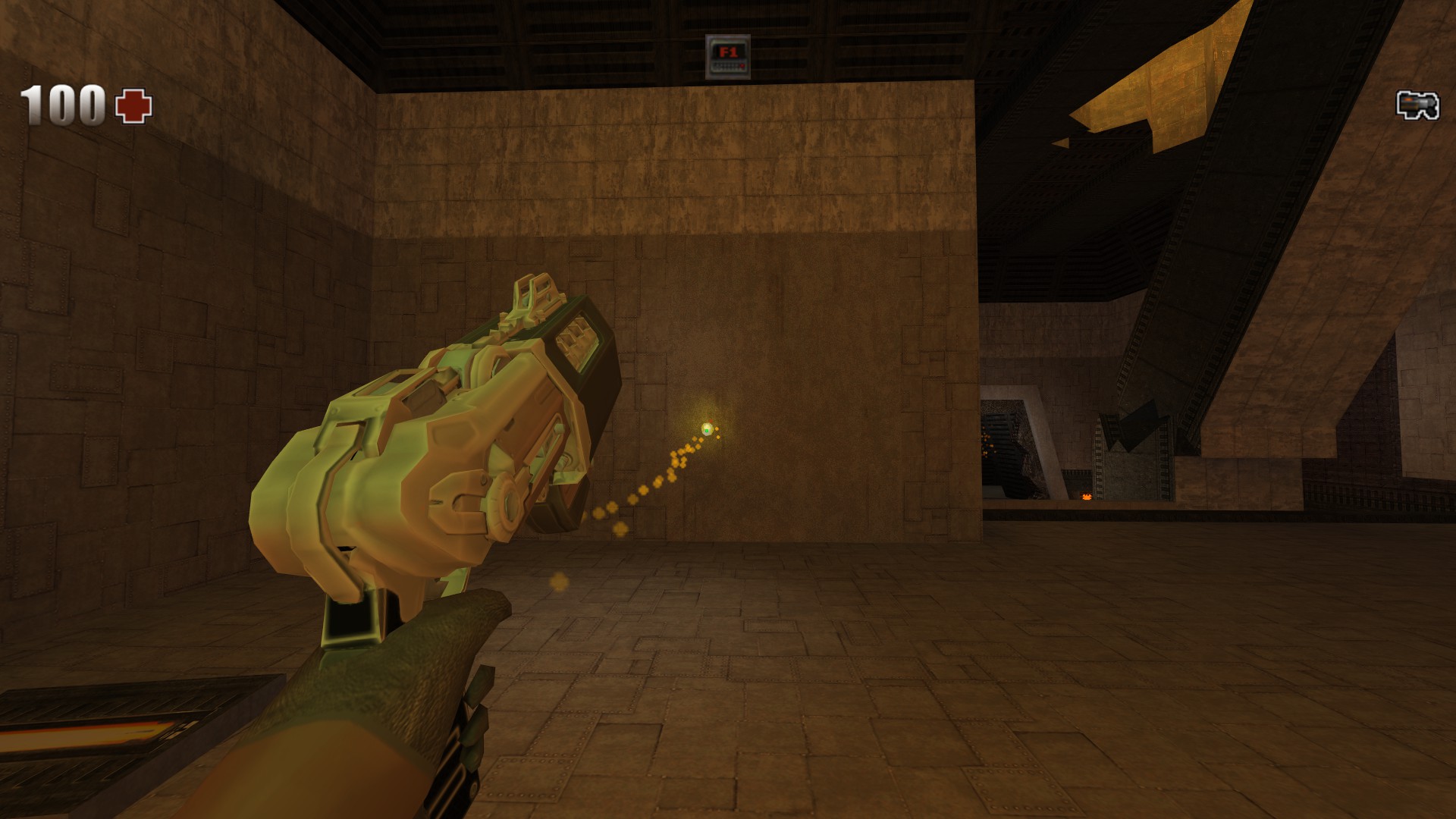
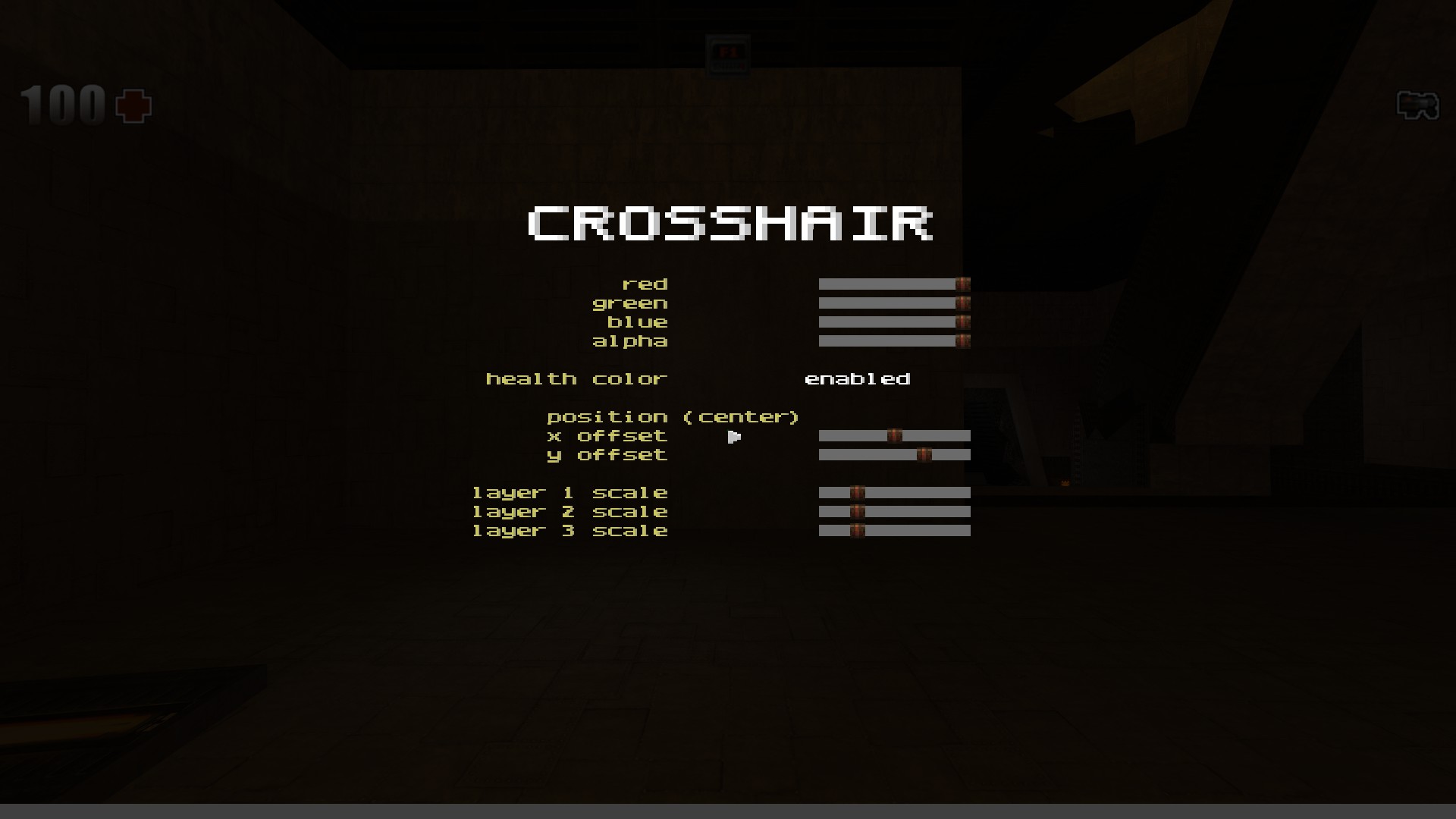
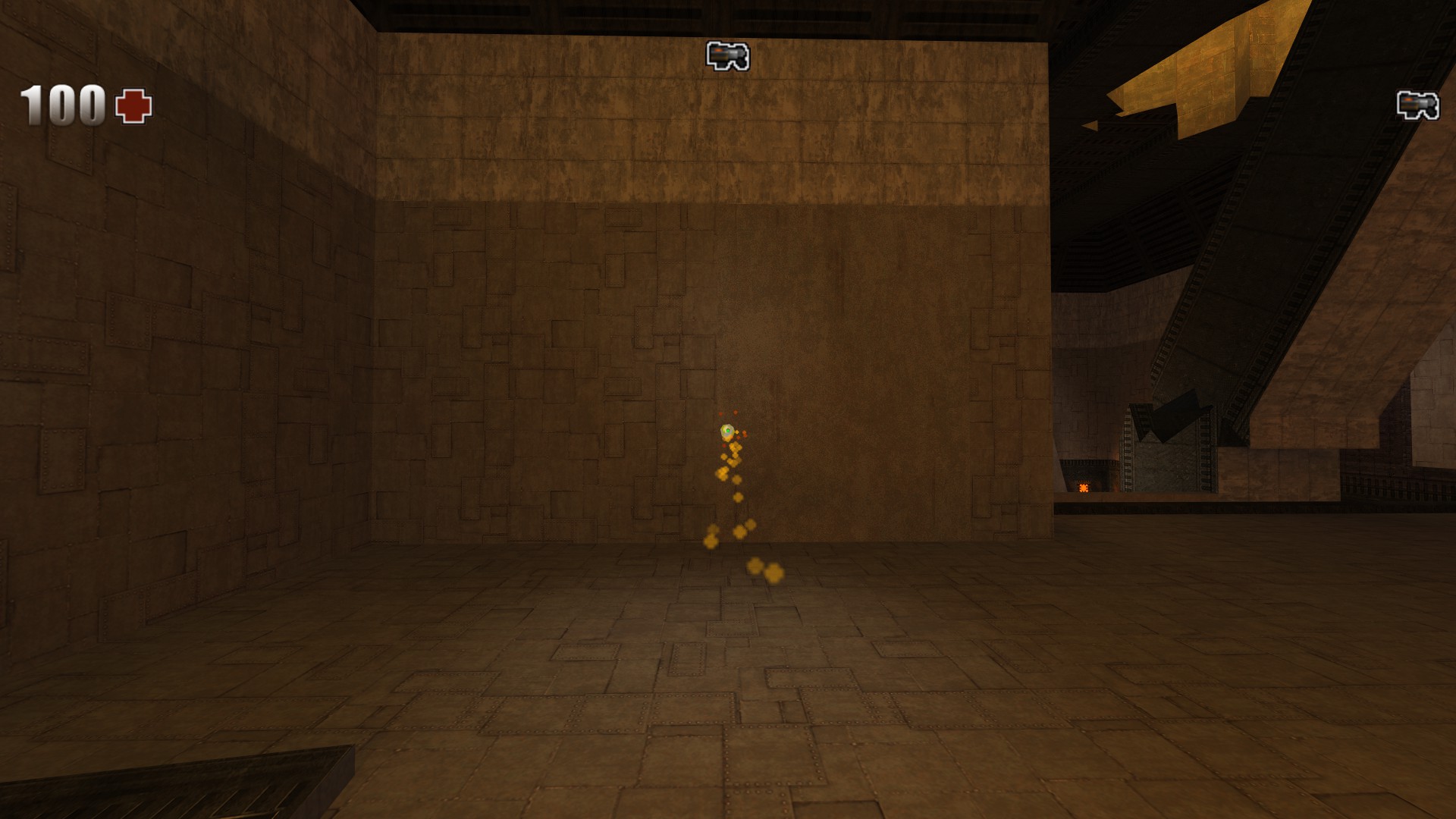
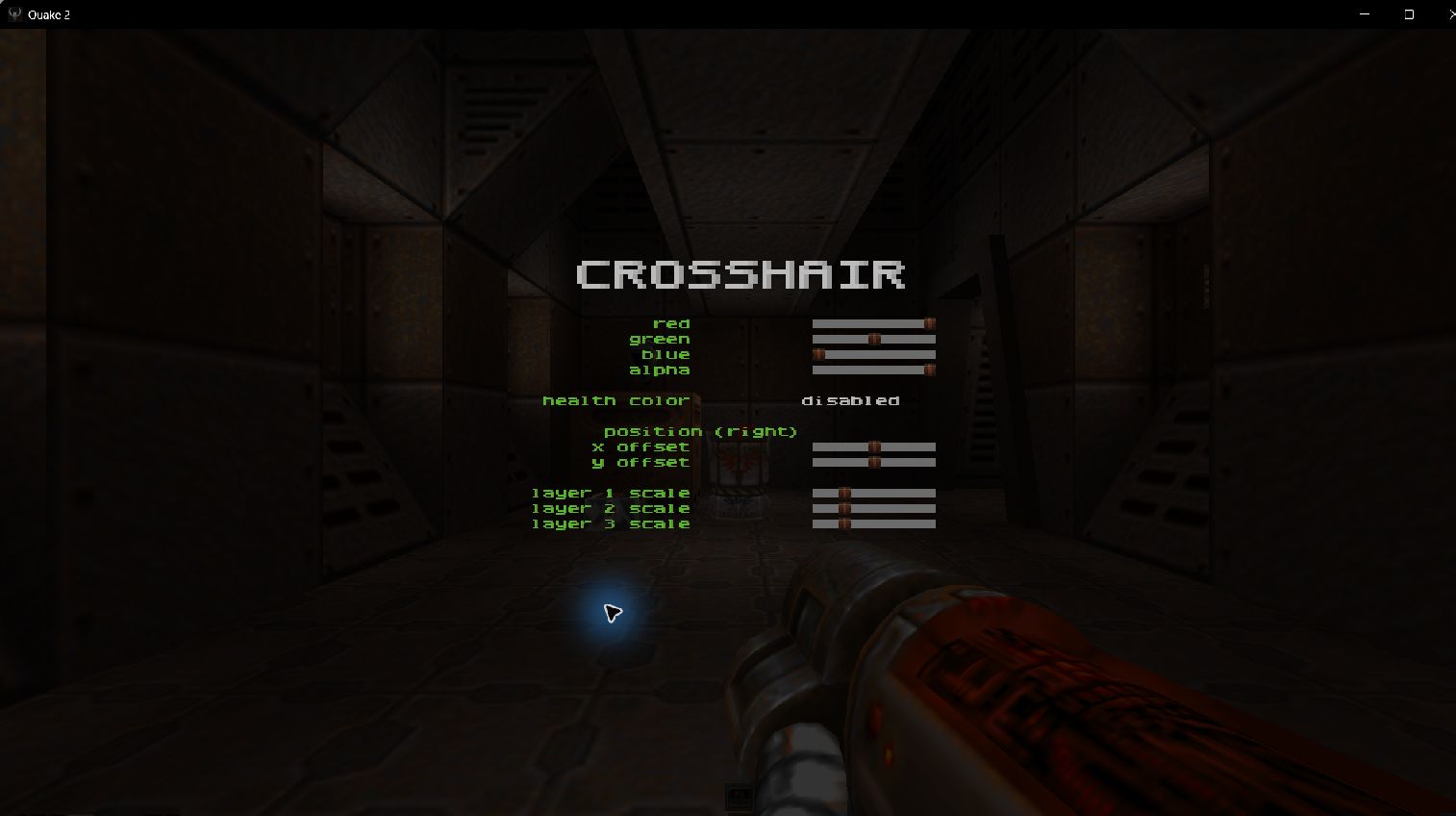
Set your crosshair style, size, color and opacity. Adjust X and Y offsets separately for right, left, and centered alignment. Optional layers provide additional scaling controls.
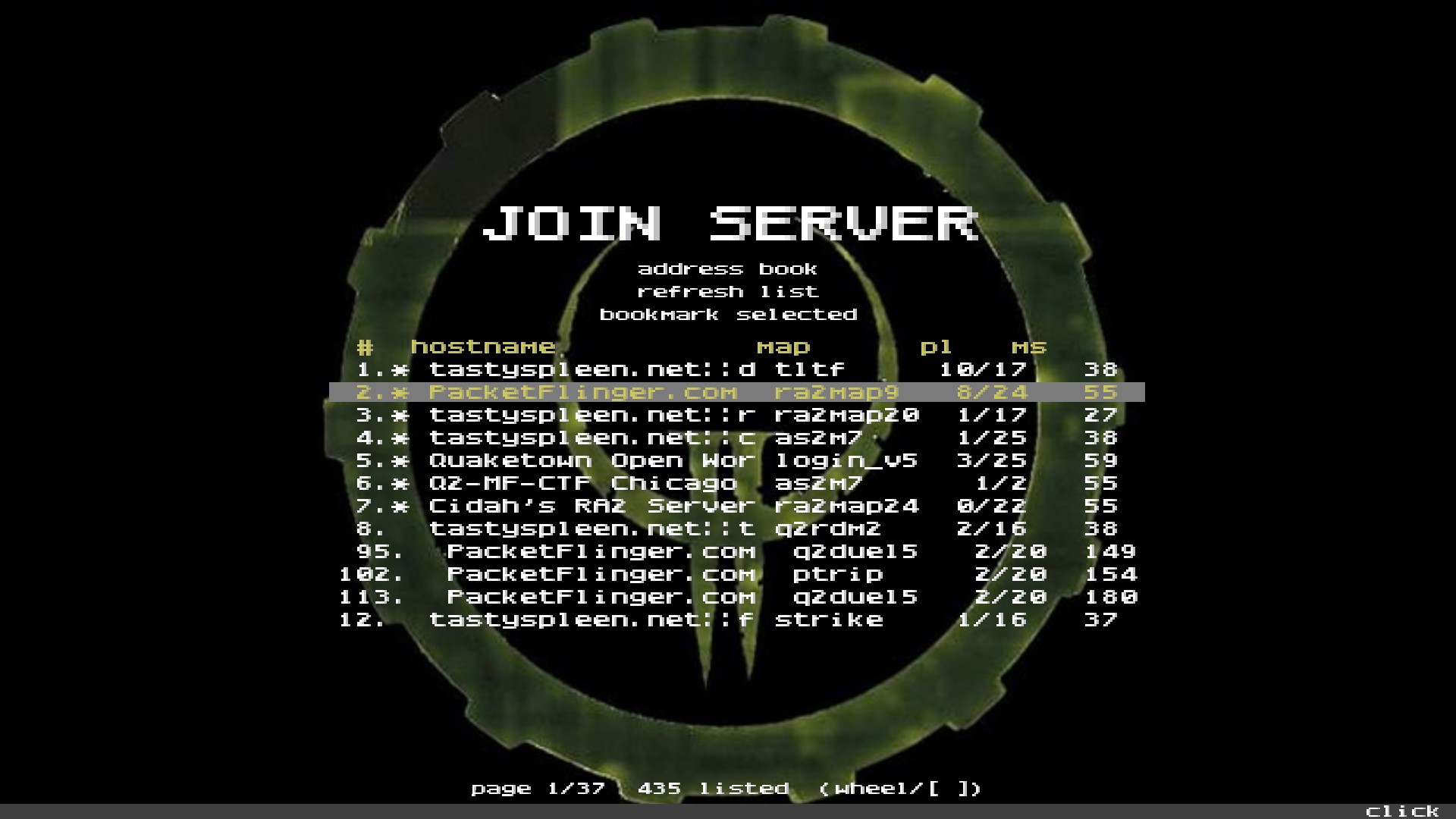
Browse servers with hostnames, maps, player counts, and ping. Refresh the list or bookmark selected servers in the Address Book.
OpenAL support for positional world sounds. Your own shots stay on the listener, with DirectSound fallback available.
Automatic demo recording, playback pause and speed controls, plus location files for naming spots on the map.
03 / MENUS
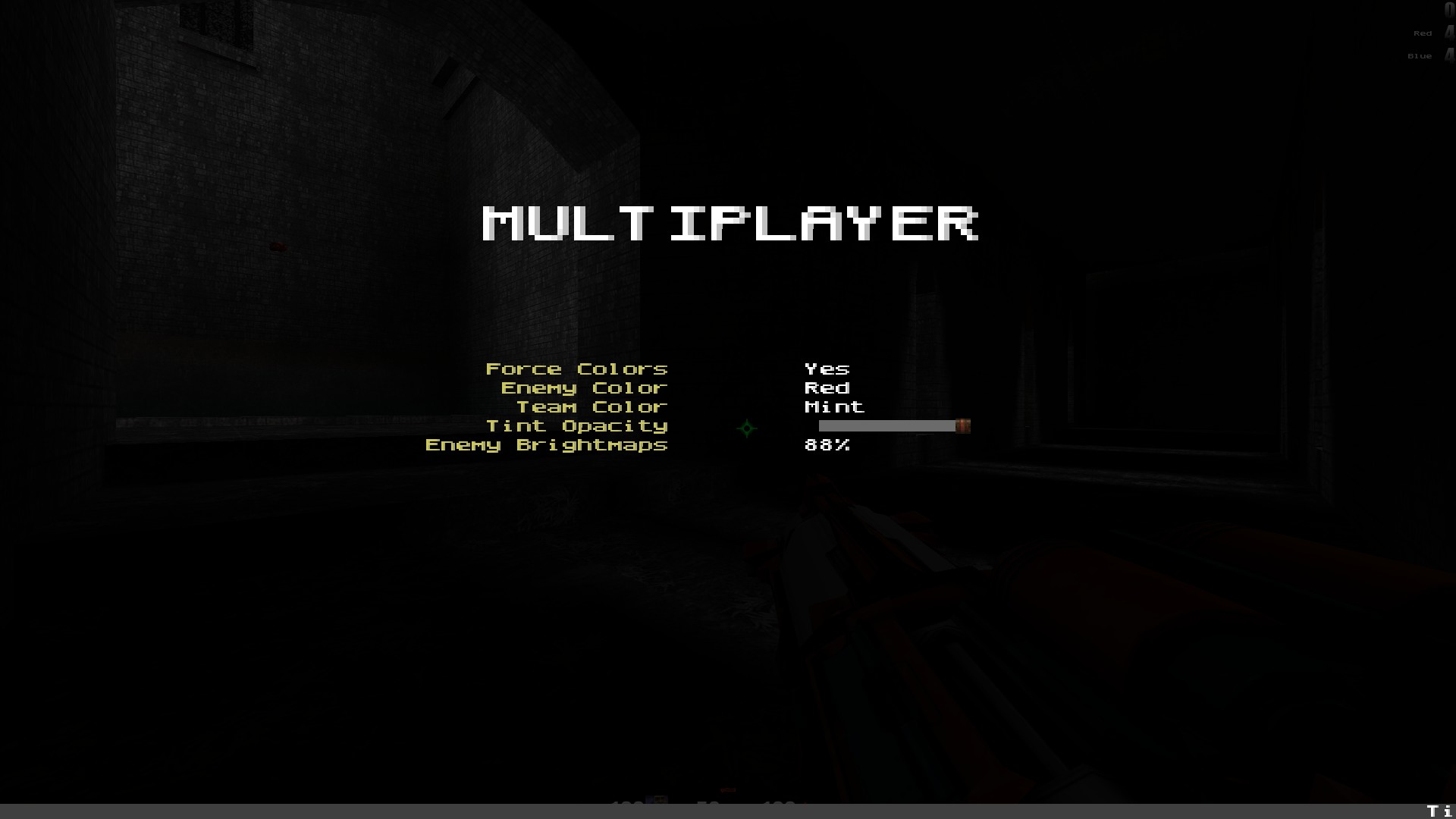
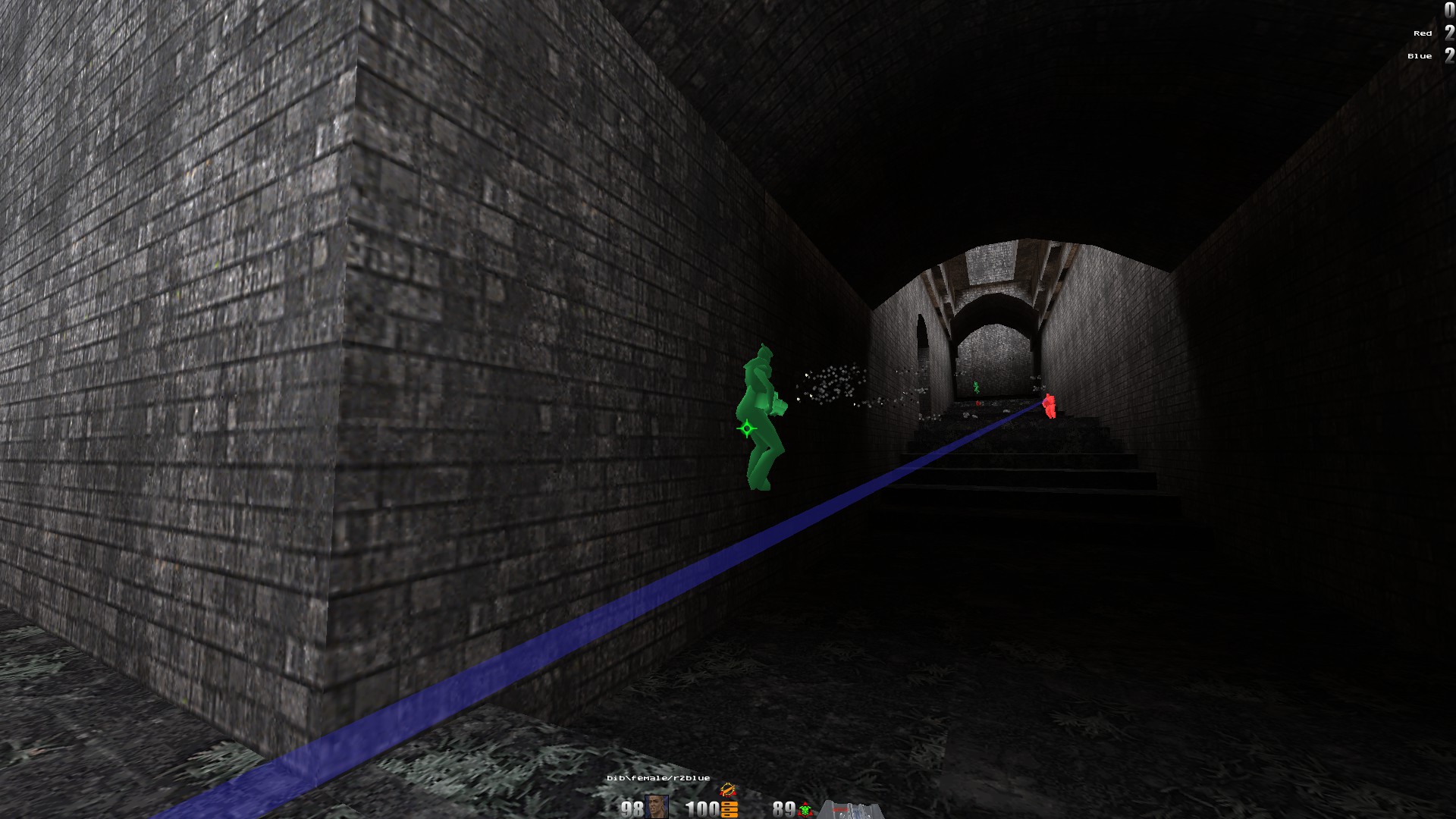
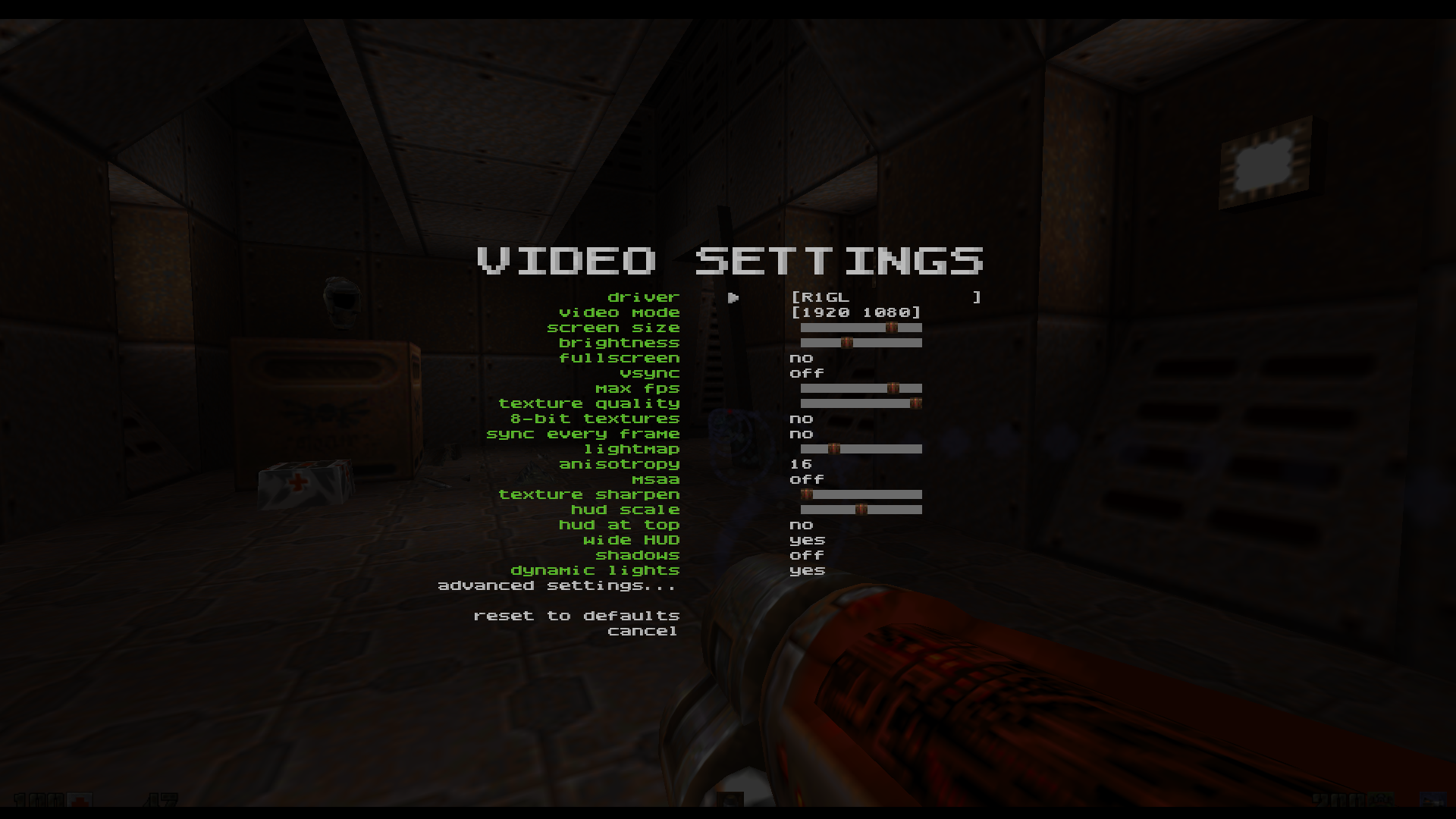
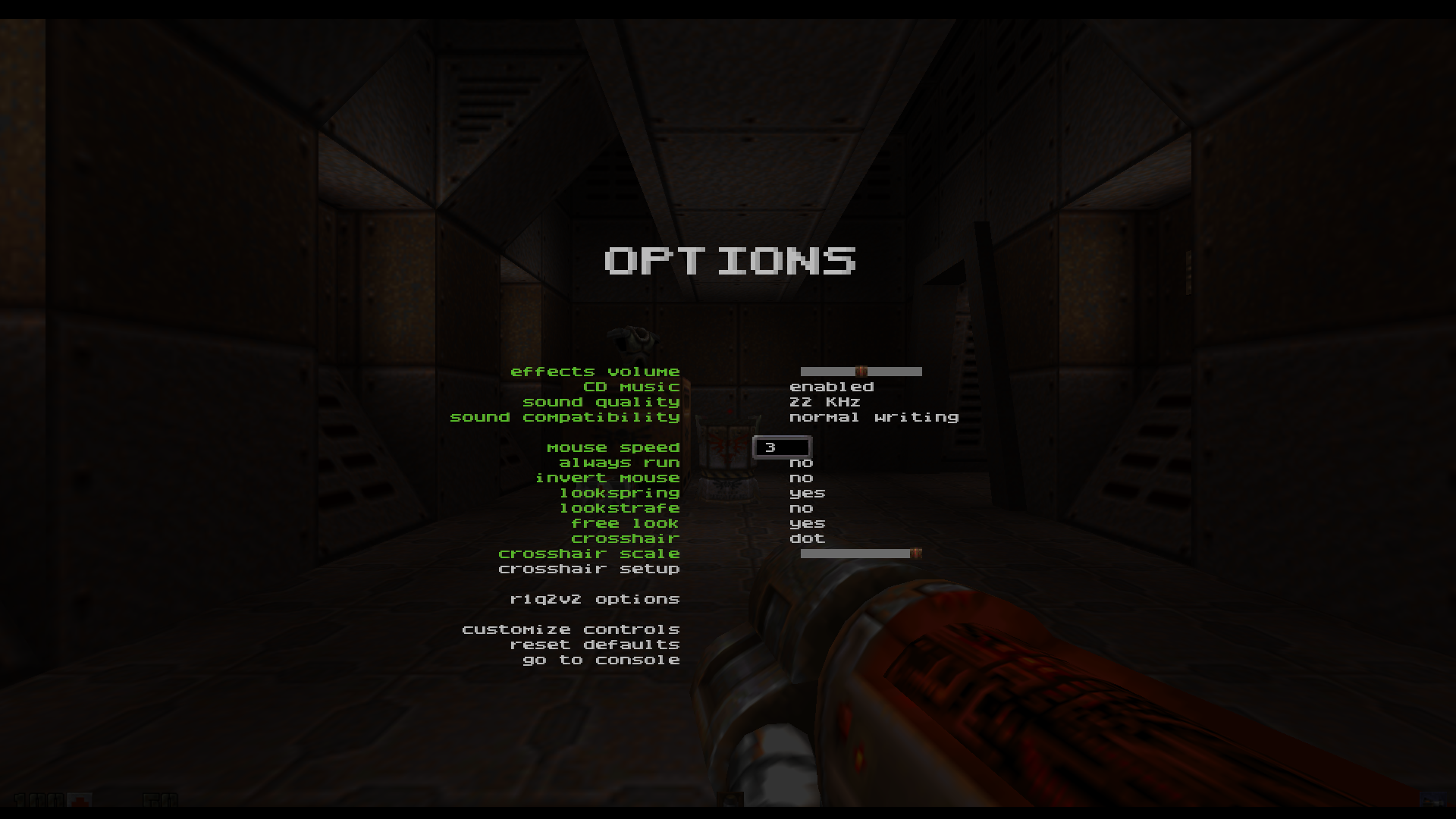
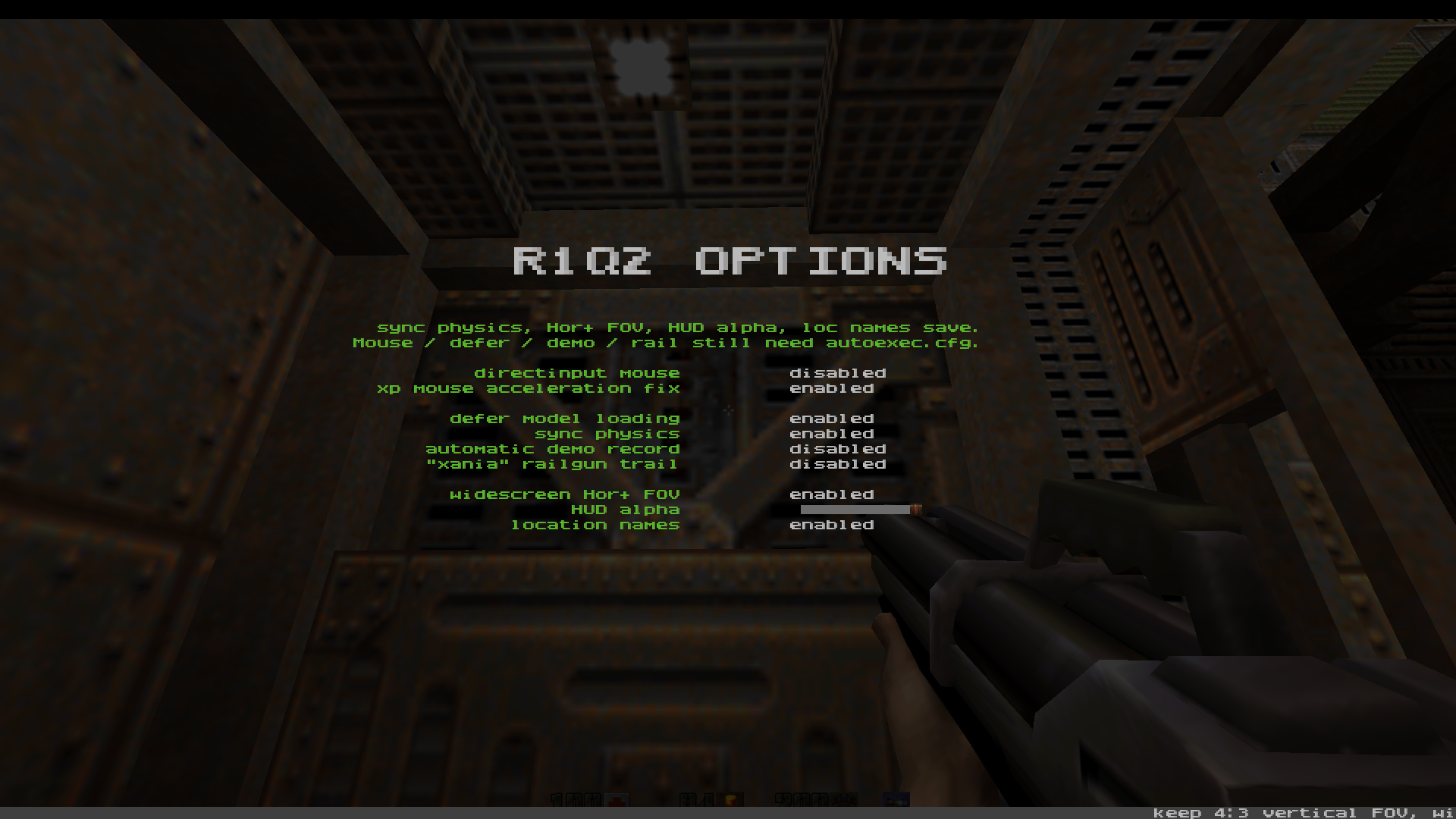
Advanced graphics, crosshair setup, HUD placement, and multiplayer settings. Select a menu; use Enlarge for the original screenshot.
04 / DOCUMENTATION
A searchable guide to display, graphics, HUD, input, network and demo settings. Defaults, explanations and examples, directly from CVARS.md.
Open the CVAR guide] seta scr_hudwide 1
] seta cl_adjustfov 1
] seta gl_less_yellow 1
// saved settings
05 / DOWNLOAD
Windows x86 release for an existing Quake II installation. The package does not include game data.
R1Q2v2 is free. Donations to support its maintenance are optional and appreciated.
Client, dedicated server, R1GL renderer, game module, and required runtime libraries.
Download release ZIP Requires an existing Quake II installation. Retail / Steam game data is not included.Install the original game. Quit any running Quake II client and back up your existing binaries.
Place the files next to quake2.exe. For local single-player, also place gamex86.dll in baseq2/.
Run R1Q2v2.exe. Explore the menus or open the CVAR guide for additional settings.